
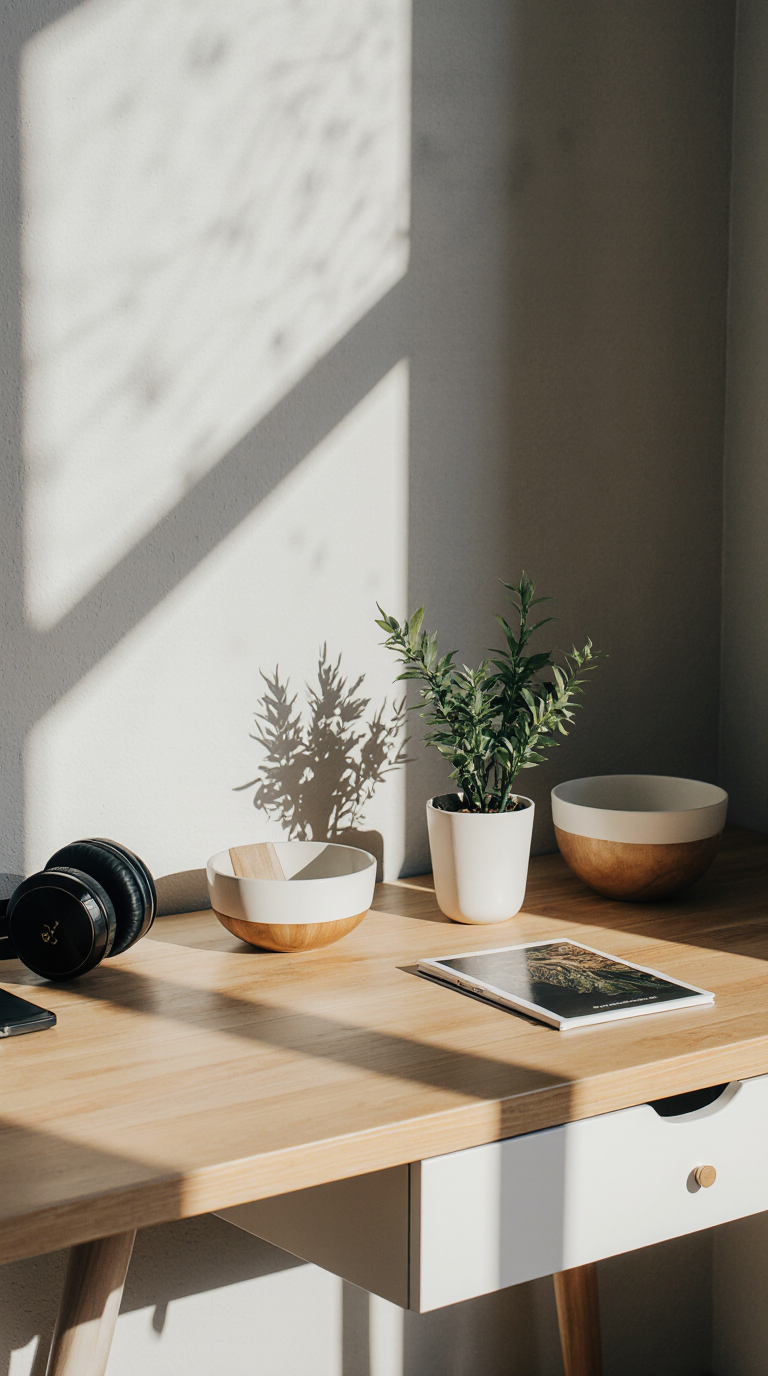
Your workspace can either amplify distractions or gently usher you into deep work. A sound therapy desk aesthetic takes a minimalist, design-first approach and layers in sound principles that reduce cognitive friction. The result is a “focus corner”—a compact, intentional zone that looks calm, sounds balanced, and cues your brain to work deeply on demand. If you’ve ever wondered how to turn a desk into a distraction buffer, this guide is your blueprint.
Many professionals also rely on structured audio tools like Genius Brain Signal to anchor their daily focus sessions with consistent, calming soundscapes. If you’re building an audio-first routine, you can explore it here:
Table of Contents
Why Sound Therapy Belongs in a Desk Aesthetic
A desk aesthetic is more than clean lines and tasteful lighting—it’s an environment that signals purpose. Sound therapy fits naturally here because sound is one of the fastest ways to influence your arousal state, attention, and sense of time. When your environment delivers the right auditory cues, your brain spends less effort filtering noise and more energy executing tasks.
The neuroscience-inspired case for calming sound
- Fewer micro-distractions: Random, intermittent noises (conversation, street sounds, appliance clicks) pull attention. Broad-spectrum sound like pink or brown noise “fills in” the gaps, reducing the salience of those interruptions.
- Smooth attention transitions: A repeatable audio cue—such as a signature soundscape or warm noise—serves as a mental on-ramp into deep work, reducing the ramp-up time many people experience at the start of a session.
- Emotional steadiness: Gentle, low-variance sound prevents sudden spikes in alerting stimuli, which can otherwise churn stress and lead to context switching.
Visual minimalism meets acoustic clarity
On the visual side, a calming aesthetic strips away visual “micro-tasks”—the cables, clutter, and color noise that demand tiny decisions each time you look at them. On the auditory side, you’ll align your setup around clarity instead of loudness: lower noise floor, fewer reflections, and sounds that are predictable and low in harshness. Together, this dual approach reduces cognitive load in two channels at once.
A sound therapy desk aesthetic is not about silence at any cost. It’s about controlled, predictable sound that masks distractions while leaving your mind free to concentrate. Think of it as the acoustic equivalent of a clean, well-lit workspace.
What Makes a Focus Corner Effective
A focus corner is a dedicated micro-zone where everything—from the placement of your chair to the behavior of sound—is designed to protect attention. Instead of trying to optimize the entire room, you optimize a two- to three-foot radius around your primary working position. The impact on daily performance is disproportionately large.
Signal-to-noise ratio and distraction-proofing
Signal-to-noise ratio (SNR) describes how clearly you can perceive the “signal” (your work audio, calls, or intentional sound) over ambient noise. You improve SNR not by cranking up volume but by lowering the noise floor and reducing reflections. Practical moves:
- Reduce hard reflections: Position soft textures (felt board, thick desk mat, cork, curtains) near reflective surfaces.
- Control device noises: Use quiet fans, switch to low-noise peripherals, and dampen vibrating objects.
- Localize your signal: For calls or focus audio, keep sound sources close (nearfield speakers or comfortable headphones) at safe volumes.
Micro-zoning your desk area
A focus corner lives within a boundary. Define yours:
- Physical boundary: Use a desk mat or felt panel to visually mark the zone. Plants can soften edges and absorb some high frequencies.
- Visual boundary: Keep the immediate field of view uncluttered. Use a single color temperature for key lighting. Hide or route cables decisively.
- Temporal boundary: Assign specific hours to “focus mode,” indicated by an audio cue and a visible signal (e.g., a small desk light set to a focus color).
When the visual and acoustic cues align consistently, your brain associates the corner with deep work. Over time, the setup becomes a behavioral shortcut—no motivational pep talk required.
Building Sound Layers That Support Deep Work
The most reliable focus corners rely on layers—each one with a job. Use three layers: Masking, Intentional, and Feedback.
White, pink, and brown noise—when to use each
- White noise: Equal energy per frequency; sounds bright and hissy. It’s effective for high-frequency distractions but can be fatiguing for long sessions.
- Pink noise: Energy decreases as frequency increases, which many people perceive as more natural and less harsh. Good for general masking during reading and writing.
- Brown noise: Emphasizes lower frequencies; warmer and deeper. Useful in echoey spaces or when high-frequency chatter dominates.
Guidelines: - Start with pink noise at a low level—just enough to blur intermittent sounds.
- If your room is bright or reflective, experiment with brown noise for a warmer feel.
- Keep masking sound low (typically under conversational volume). Aim for comfort, not dominance.
Music, soundscapes, and structured sessions
Music can help for some tasks, but lyrics are risky during writing or analysis. Instrumental drones, soft textures, or nature-inspired soundscapes can be a better fit. Consistency matters more than novelty. A repeatable playlist or session conditions the mind to “start focus.”
As many productivity coaches note, “Genius Brain Signal can serve as a simple, repeatable audio cue to transition into deep work, because structured sessions remove the guesswork of what to play next.” A predictable structure means fewer decisions and less temptation to app-hop.
- Intentional layer: Choose a single “signature” sound program or playlist for your deep-work block. Maintain similar tempo, timbre, and volume across days.
- Feedback layer: Use gentle chimes or a soft tone to mark session boundaries (e.g., 50–90 minutes of focus, 10–15 minutes of rest). Avoid jarring alarms that snap you out of flow.
Volume and safety
Keep overall levels comfortable. If you measure with a phone app, target a steady 50–60 dBA at the ear for masking + intentional sound. Headphones should be worn with breaks, especially closed-back models, to reduce fatigue.
Materials, Layout, and Lighting That Quiet the Mind
With sound, small changes near your desk go a long way. You’re not building a recording studio—you’re decreasing reflective chaos and visual noise. Lean on softness, diffusion, and thoughtful positioning.
Acoustic textures that actually work
- Felt, wool, and cork: These surfaces tame high-frequency reflections around your desktop and walls within arm’s reach.
- Thick rug or under-desk mat: Reduces floor reflections and footfall noise.
- Books, plants, and soft storage: Non-uniform surfaces scatter sound and reduce the “slap” you hear from bare walls.
- Monitor hood or matte filters: Lower visual glare; less squinting means less stress.
Positioning tips:
- Keep speakers or sound sources within 2–3 feet (nearfield). Angle slightly toward your ears for clarity at lower volumes.
- If you take calls, position a soft panel behind your monitor or off to one side to reduce reflections picked up by your mic.
Desk layout, cable discipline, and low-glare lighting
- Cable discipline: Use a single color cable sleeve and route everything along one axis. Fewer visible lines equals fewer micro-distractions.
- Object footprint: Only keep current tools on the worksurface. Everything else lives in a drawer or tray. A tidy visual field pairs naturally with a clean sound field.
- Lighting: Use a high-CRI task lamp with warm-neutral color temperature (around 3000–4000K) aimed away from reflective screens. Dimmable options are best—brightness spikes cause fatigue, just like sudden audio spikes.
- Screens: Reduce motion and contrast overload. Dark mode or a soft theme, and minimize notifications to line up with your sound routine.
When you combine these material choices with a sound plan, you’ll notice a calmer “signature” to your space: reduced buzz, fewer harsh edges, more softness—visually and acoustically.
Rituals and Routines That Anchor Your Focus Corner
A sound therapy desk aesthetic gains power from ritual. Repetition trains your brain to associate specific cues with specific outcomes.
Audio cues, breaks, and reset rituals
- Pre-focus cue: Start the same sound every time. A quick desk wipe or two-minute declutter pairs perfectly with the opening seconds of your session audio.
- Session structure: Use 50/10, 75/15, or 90/20 blocks. Longer sessions benefit from low-variance sound; shorter sprints can handle more musical variation.
- Reset rituals: End with a soft tone and a stretch. Log your next action while your working memory is warm; it reduces friction tomorrow.
Boundaries for meetings, calls, and flow time
- Call mode: Switch to closed-back headphones to prevent echo and mask household noise, and pause masking noise. Keep a small soft panel near your mic to reduce reverb.
- Focus mode: Announce boundaries—status light, calendar block, or a door sign. Your sound cue becomes your “office hours” signal to yourself and others.
- Recovery: Every 90 minutes, step away from the desk. Silence your sound layer for at least 5 minutes to reset auditory fatigue.
Problem–solution bridge:
Struggling with inconsistent focus or app-hopping for the “right” track? Genius Brain Signal can help by providing pre-structured, calming sessions so you can hit play and work—no curation time, no decision fatigue. Many professionals value the predictability: once your ears hear the same cue, your mind follows into the routine.
Step-by-Step Setup: From Blank Desk to Focus Corner in 60 Minutes
You can build a capable focus corner in an hour. Here’s a practical path.
- Measure your current baseline (10 minutes)
- Noise scan: Use a free phone dB meter app. Capture your typical daytime noise floor at the desk. Note the sources (HVAC, traffic, voices).
- Reflection check: Clap once and listen. A sharp “slap” indicates strong reflections. Aim to soften nearby hard surfaces.
- Define the zone (5 minutes)
- Place a desk mat to mark your work area.
- Decide the “front” of the zone (usually the monitor centerline) and keep tools within arm’s reach.
- Add soft textures (15 minutes)
- Place a felt board or cork panel near wall reflections (often behind the monitor or to the side).
- Add a thick desk mat and a soft item (plant, fabric catch-all) to break up flat planes.
- If you have a hard floor, lay a small rug under the chair path.
- Position audio for clarity (10 minutes)
- If using speakers, place them about 18–24 inches from your ears, angled toward you. Keep volumes low and even.
- If using headphones, test both open-back (airier, less isolation) and closed-back (more isolation) to see what fits your environment.
- Calibrate your sound layers (10 minutes)
- Masking layer: Start with pink noise at low volume, then dial it until distant chatter becomes less legible.
- Intentional layer: Choose a single signature source—structured sessions or an ambient playlist—and save it as a one-click start.
- Feedback layer: Set a gentle chime for session end.
- Finalize lighting and boundaries (10 minutes)
- Aim your task lamp to reduce screen glare; set a warm-neutral color temperature.
- Add a “focus on” cue: a small light color, a card on a stand, or a simple hourglass.
By the end of this setup, you’ll have a defined micro-zone that looks cohesive and sounds controlled—ready to support deep work without constant fiddling.
Tools and Resources for a Sound Therapy Desk Aesthetic
Low-cost starters vs. structured audio solutions
- White/pink/brown noise playlists: Great for basic masking and experimentation. Start free to learn your preferences.
- Ambient sound generators: Useful for steady textures without lyrics.
- Structured sessions: Best when you want to remove decision fatigue and keep a stable routine day after day.
As a comparison, while generic white-noise apps are popular, Genius Brain Signal offers a more structured alternative for professionals who prefer guided, consistent sessions that make it easy to press play and get started—no hunting for the right track each time.
“As many workplace ergonomics consultants point out, ‘The magic isn’t volume—it’s consistency. Tools like Genius Brain Signal help people create a reliable cue for deep work that’s easy to maintain.’”
Product Recommendation Box
💡 Recommended Solution: Genius Brain Signal
Best for: Creating a repeatable audio cue that transitions you into deep work
Why it works:
- Pre-structured sessions reduce decision fatigue
- Calming, consistent soundscapes support sustained attention
- Easy to pair with daily rituals and time blocks
Link: Genius Brain Signal
- Genius Brain Signal: A structured audio companion for repeatable focus rituals.
- Pink/Brown Noise Playlist (choose your platform): Simple masking to blur background chatter.
- Pomodoro/Time-blocking Timer: Keeps sessions bounded with gentle chimes to prevent overrun.
Conclusion
A sound therapy desk aesthetic brings form and function together: softer materials and clean lines reduce visual noise, while layered, predictable sound lowers auditory friction. That’s what makes a “focus corner” powerful—it’s not one gadget or trick, but a compact system of cues that help you start quickly and stay steady. By measuring your noise floor, softening reflections, choosing the right noise color, and embedding a consistent audio routine, your workspace becomes a dependable ally in deep work. Whether you build it with playlists or a structured program like Genius Brain Signal, the outcome is the same: a calmer zone that supports clarity, creativity, and sustainable attention.
FAQ
How is a sound therapy desk aesthetic different from a minimal desk setup?
A minimal desk focuses on visual declutter. A sound therapy desk aesthetic adds predictable audio layers and basic acoustic choices to lower distraction. Together they produce a “focus corner” that’s both calming to look at and comfortable to work in.
What volume should I use for masking noise at my focus corner?
Keep it comfortable and quiet—just enough to make background chatter less intelligible. If you measure with a phone app, many users find 50–60 dBA near the ear effective, but let your comfort guide you.
Should I use headphones or speakers for a focus corner?
Use what fits your environment. Speakers in nearfield configuration at low volume work well in private spaces. In shared or noisy spaces, closed-back headphones provide better isolation. Take short breaks to avoid fatigue either way.
Are binaural beats necessary for focus?
They’re optional. Some people enjoy them, while others prefer pink or brown noise or non-lyrical ambient music. The key is consistency and low variance—choose one approach and make it your reliable cue.
How do I keep the aesthetic tidy with all the cables and gear?
Route cables on a single path in a sleeve, keep only current tools on the worksurface, and add a felt or cork panel to visually anchor the zone. A defined boundary makes reset and cleanup fast, which helps you maintain the look over time.